Everyone’s camera roll
The best shot of the night sits between a parking receipt and a screenshot, on a phone that is not yours.

Event photo sharing
Put one QR code on the door and let everyone who turns up add what they shot. Photos and videos upload straight from the browser — nothing to install — and land in a private gallery you control.
Guests have shared more than 18 million photos, videos and memories through Momentral events.




One QR code or link
What normally happens
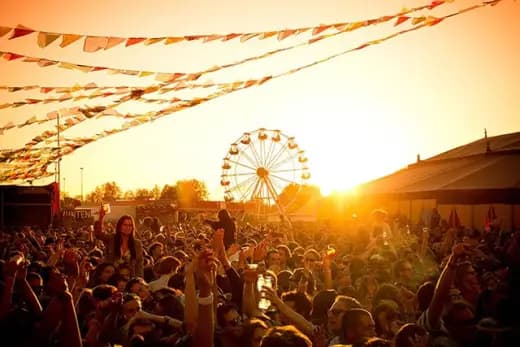
Fifty people documented the same evening from fifty angles. By Monday, you have four of those photos and a promise about the rest.
The best shot of the night sits between a parking receipt and a screenshot, on a phone that is not yours.
A group for the team, another for the family, a third that half the room was never added to.
Posted during the event, watched by everyone, gone before you thought to ask for the file.
A message thread that ends with three files, weeks later, at half the resolution.
One link, one gallery, and everybody adding to the same place while the evening is still happening.
How it works
You do the setup in the Momentral app. Attendees only ever see a page in their browser.
Name it, set the date, choose your settings. The event comes with its own upload page, link and QR code.
On the door, on the badges, on the screen between talks — wherever people will be looking.
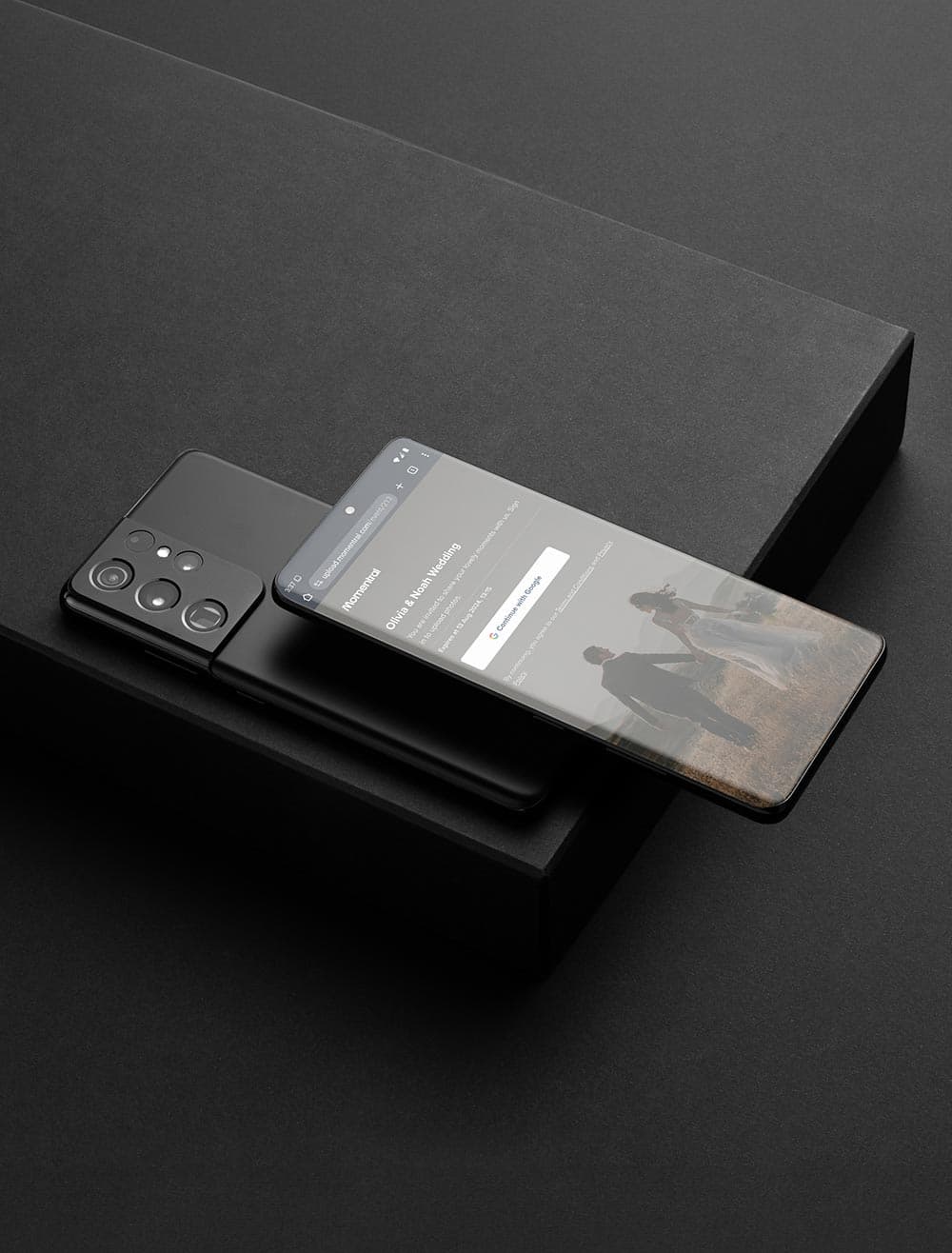
The page opens in their browser. A short sign-in keeps the gallery yours; after that it is pick, send, back to the party.
Everything arrives in the same gallery as it is uploaded, filterable by media type.
Once it is over, browse what came in and download the set in the quality it was captured in.
What attendees experience
Anything that asks people to download an app during an event is a thing most of them will do later, which means never. The whole point of the browser flow is that nobody has to leave the room to use it.
They point a camera at the code, the upload page opens, a short sign-in keeps the gallery from being open to anyone who finds the link, and then they choose files and send. It works the same on iPhone, on Android and on a laptop the next day.
The upload page is a web page. Nothing goes on their phone.
iPhone, Android and desktop browsers all get the same page.
Arrivals, dinner, speeches and the last hour run through the same link.
People who find something good on the train home can still add it while the event is open.
Why it is worth collecting
If you put the evening together, you spent it at the door, near the sound desk or three steps behind whatever was happening. Everyone else spent it watching.
Their footage is the record of what the event actually felt like — not the programme, but the room. It is already on their phones; collecting it is the only step missing.

Three kinds of memory
The same code collects stills, footage and voices, and all three land in the same gallery.
The quick, unposed ones, stored at the resolution they were shot in and downloadable as originals.
Speeches, music, the toast, the room at its loudest. Video uploads are on every plan; the minutes come with the plan.
Anyone can record up to 60 seconds in the browser, and as the organizer you can leave a spoken welcome. Included on every plan and never counted against your photo capacity.
Every kind of event
The setup does not change between a fortieth birthday and a two-day conference. Only the place you put the code does.
Collect the evening from everyone who was there, without asking around for weeks afterwards.
Keep the photos, the clips and the spoken wishes from one night in a single place.
A code by the bar collects the room all night, including the part after most people went home.
Family photos and classmate photos of the same day, finally in one gallery instead of six chats.
Give everyone one place to send what they shot, instead of a shared drive nobody uploads to.
Collect the sessions, the stands and the hallway conversations from the people who were in the room.
Everything from the weekend in one gallery, downloadable before anyone clears their camera roll.
Weddings have their own page, with table cards, guest uploads and the invitation in one event.
See wedding photo sharingBefore, during, after
The invitation, the replies and the photos usually live in three different tools that never meet. In Momentral they are stages of the same event.
You came for the photos. The invitation and the guest list are already in the same event.
Invitation and RSVP
The same event can carry your invitation: a template, the venue, the times, the programme and anything else people need, shared as one link with no limit on recipients.
Name and attendance are always asked. Beyond that you decide — headcount, companions, meal preference, allergies, transport, accommodation, a note, or a question you write yourself.
Why organizers pick Momentral
Plenty of tools will host photos. These are the reasons event organizers end up here.
A web page has no download step, which is the only reason people actually upload during the event rather than after it.
Photo and video uploads are included everywhere, including the free plan. Only the minutes depend on the plan.
Uploads stay at the resolution they were captured in and download the same way, without chat-app compression.
Your plan sets how much you collect, never how many people are allowed to contribute.
The voice guestbook is on every plan and does not use up your photo capacity.
Invitation, replies, guest list and gallery are stages of the same event.
Where to show the code
People upload when the code is where they already are. These work across almost any kind of event.
How the event QR code worksEveryone passes it, and most people are holding a phone already.
Next to the badges, where people are stopped anyway.
At seated events, the code sits where people spend the evening.
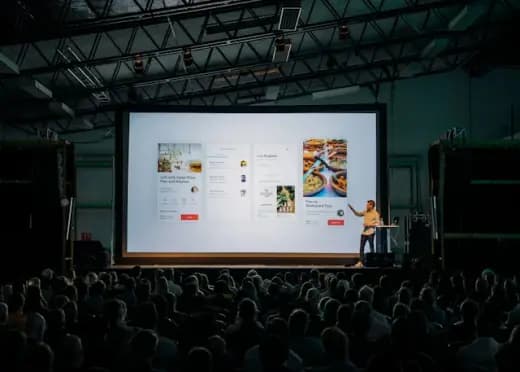
A slide before the session and one after it costs nothing to add.
The code stays with each attendee for the whole event.
A short queue is the easiest moment to ask for anything.
People keep it, so the code survives past the event itself.
The same link, sent the next morning to everyone who came.
Your event, your gallery
The gallery is not public and has no hashtag anyone can follow. It is reached through your event QR code or link, which means the people who can add to it are the people you gave it to.
You run it from the app: see what has arrived, download it, and delete the event and its contents whenever you want to.
Questions organizers ask
It is collecting the photos and videos your attendees take into one gallery instead of leaving them on individual phones. In Momentral, everyone reaches that gallery through a single QR code or link.
Create an event in the Momentral app, then show its QR code or share its link. Attendees open it in their phone browser and upload what they shot; it all arrives in your private event gallery.
Each event generates its own code. Someone points a phone camera at it, the upload page opens in the browser, they pick photos or videos and send them. The same code works on every surface you print or project it on.
No. The upload page runs in the browser on iPhone, Android and desktop. There is a short sign-in that protects the gallery, but nothing to download.
Yes. Photo and video uploads are on every plan, including the free one. The number of video minutes you can collect depends on the plan.
Yes. Each person can record up to 60 seconds in the browser, and the organizer can leave a spoken welcome on the upload page. The voice guestbook is on every plan and does not use your photo capacity.
No. Momentral does not cap participants per event. Your plan defines how many photos and how much video you collect, not how many people upload them.
Yes. It is not public and not tied to a hashtag. Access runs through your event QR code or link, so the gallery stays inside the group you shared it with.
Yes. Uploads keep the quality they were captured in, and you download them as originals rather than compressed copies.
Yes. Birthdays are one of the most common uses: one code on the table collects the evening from everyone who came, without asking around afterwards.
Yes. A code on the badges, at the entrance or on a slide between sessions gives every attendee one place to send what they shot, with nothing to install on their phones.
Yes, and weddings have their own page covering table cards, guest uploads, the invitation and the RSVPs in one event.
Yes. The digital invitation, the replies and the gallery belong to the same event, with live attending counts and a headcount based on the party sizes people reported.
Yes. The organizer chooses how long uploading stays open — up to 75 days after the event — so people can still add photos the next day. Event content is deleted automatically 90 days after the event date, so download the originals before then.
Create your event, show one code, and collect what everyone in the room captured — invitation and guest list included.
The rest of what a Momentral event can do.