The group chat
Two hundred messages deep, compressed on the way, and impossible to scroll back through a month later.

Wedding photo sharing
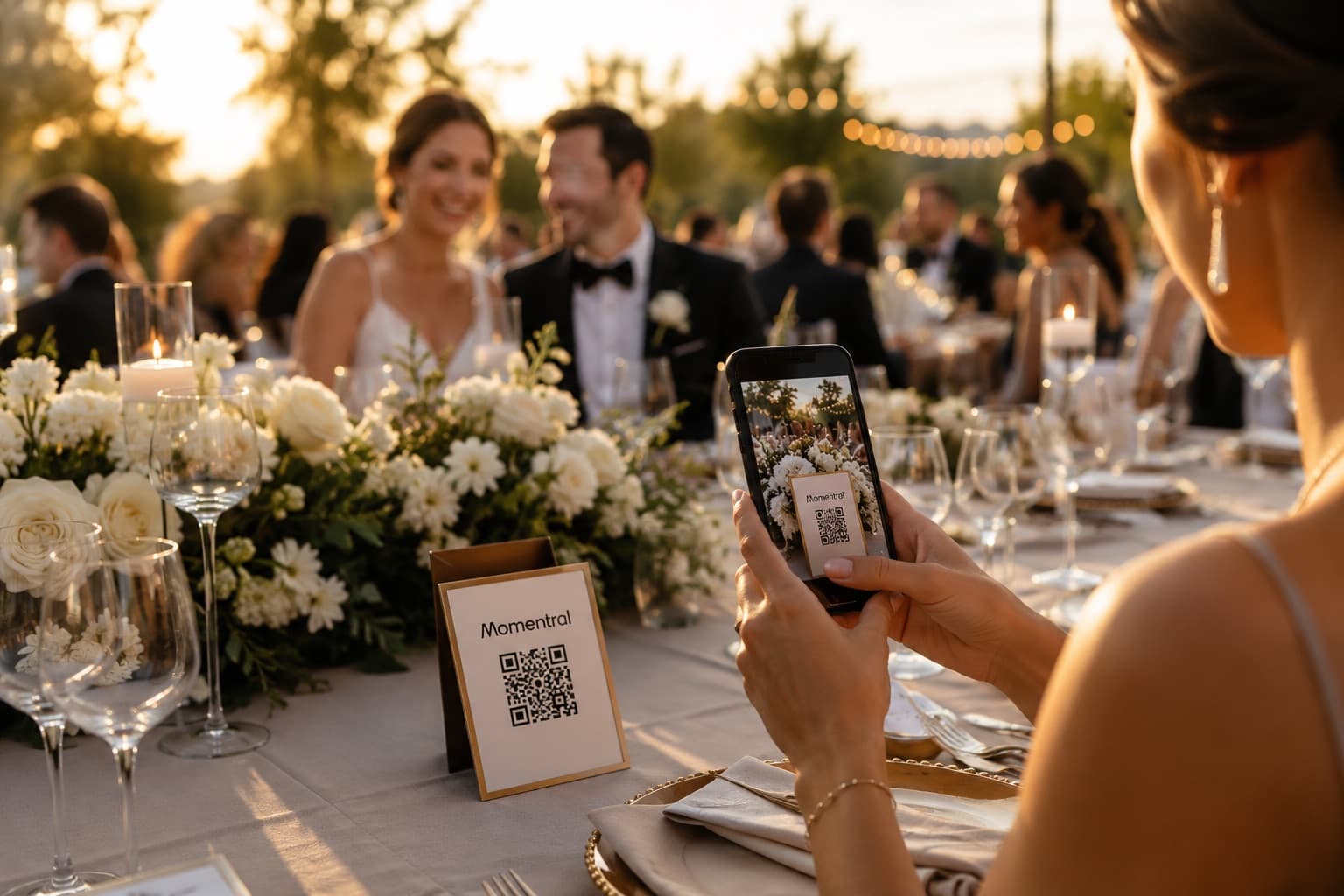
One QR code turns every guest phone into a second camera. They upload photos and videos straight from their browser, with no app to install, and everything lands in one private wedding gallery.
Over 17,000 couples collect their wedding photos with Momentral, and their guests have added more than 18 million photos, videos and memories to those galleries.
The morning after
Everyone means to send their photos. A few do, in the first week. The rest stay exactly where they were taken.
Two hundred messages deep, compressed on the way, and impossible to scroll back through a month later.
The best reaction of the night was posted at one in the morning and was gone by lunchtime.
Meant sincerely at the reception, forgotten by the time everyone is home and unpacking.
Shared albums, cloud links and files sent one by one, each holding a piece of the same evening.
Momentral replaces all of it with one place guests reach in a single scan, and one gallery you can download in full, in the quality it was shot in.
How it works
Setting up takes a few minutes in the Momentral app. Everything after that happens on your guests’ phones.
Add your names, the date and your settings in the app. Your event gets its own upload page, link and QR code.
Table cards, the welcome sign, the menu, the invitation — anywhere someone already has a phone in hand.
The upload page opens in their browser. A short sign-in keeps the gallery yours, then they pick photos and videos and send them.
Everything lands in the same event gallery, and you can filter it by photos, videos or voice messages.
After the wedding, go through the gallery and download the full set in the resolution it was shot in.
Built for guests
The hard part of collecting wedding photos was never storage. It is your great-aunt, and the friend who deletes apps to free up space, and the colleague who is not installing anything for a single evening.
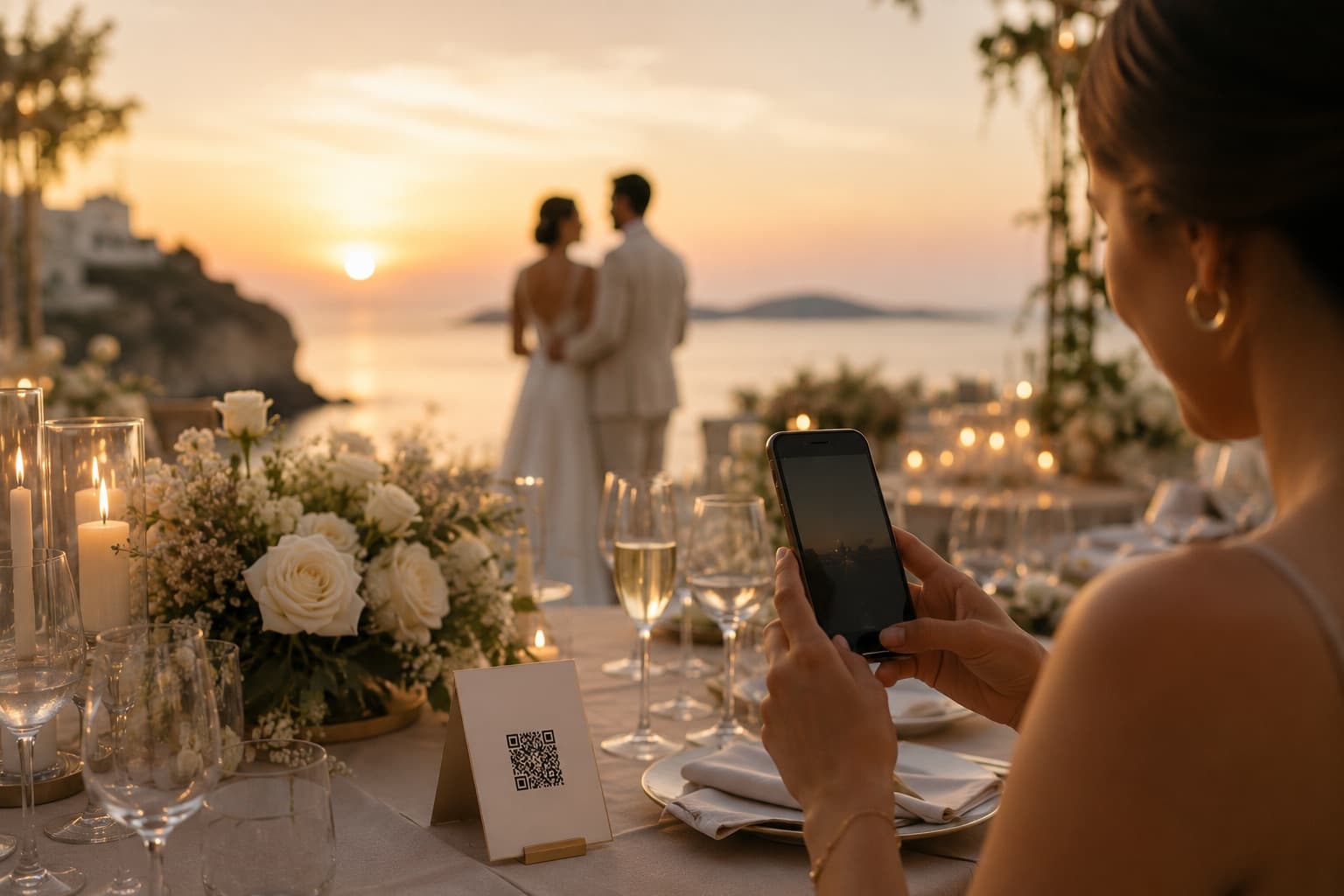
Momentral asks nothing of them beyond the phone they already brought. The QR code opens the upload page in whatever browser that phone uses, a short sign-in keeps your gallery from being open to the whole internet, and uploading is choosing files and tapping send.
No app for guests. The event opens in the browser they already have.
iPhone, Android and laptop browsers all use the same upload page.
The same code works at the ceremony, the dinner and the after-party.
Anyone who finds a good photo on the way home can add it while your event is open.
The other half of the day
A photographer gives you the day as it was composed: the vows, the portraits, the first dance from exactly the right angle. That is the version you will frame and send to your parents.
Guests give you the version you missed, because you were being photographed, or greeting a table, or standing somewhere else entirely. Those photos already exist. The only question is whether they reach you.
Photos, videos and voices
The same QR code collects three kinds of memory, and all three sit in the same gallery.
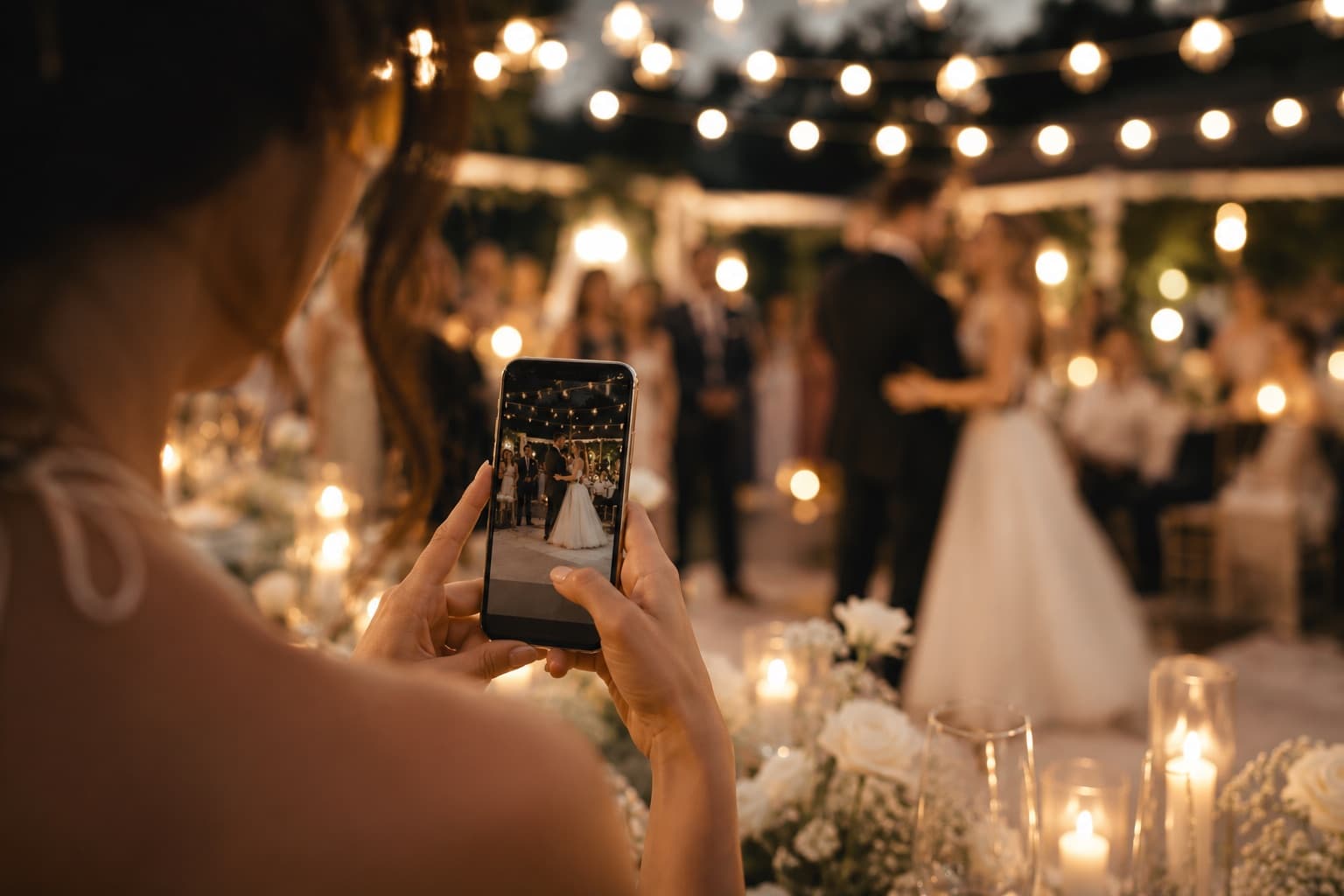
Candid shots from every table, kept at the resolution they were taken in and downloadable as originals.
Speeches, the dance floor, the walk back down the aisle. Video uploads are on every plan; the minutes come with the plan you pick.
Each guest records up to 60 seconds in the browser, and you can leave a spoken welcome of your own. Included on every plan, and never counted against your photo capacity.
One event, start to finish
Most couples end up with one tool for the invitation, a spreadsheet for the replies and something else for the photos. In Momentral it is one event that changes shape as the day comes closer.
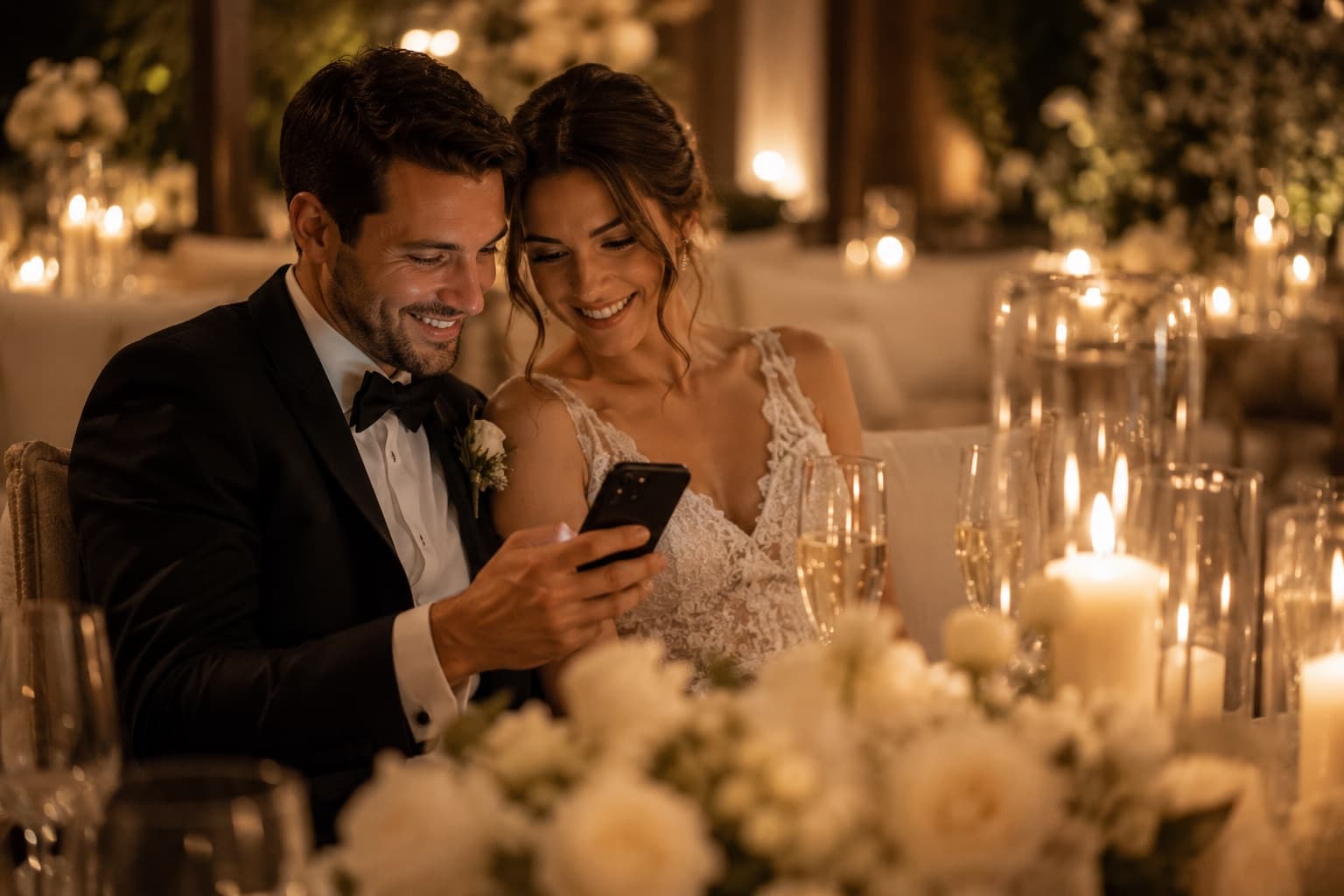
You came here to collect wedding photos. You can also stop paying for a separate invitation tool and a separate RSVP list.
Invitation and RSVP
Your Momentral event can start months before the gallery does. Choose a template, add the venue, the times and anything else guests need to know, then share it as one link — by message, by email, to as many people as you like.
Name and attendance are always asked. Everything else is yours to switch on: how many are coming, who they are bringing, meal preference, allergies, shuttle, accommodation, a note, or a question you write yourself.
Why couples choose Momentral
Most wedding photo tools do one or two of these. These are the reasons couples settle on this one.
The upload page runs in the browser, which is why guests of every age actually use it instead of promising to send photos later.
Photo and video uploads are on every plan, including the free one. Only the number of minutes depends on the plan.
Files keep the resolution they were shot in, and you download them the same way, without the compression a chat app adds.
Your plan decides how much you collect, never how many people are allowed to contribute.
The voice guestbook is included on every plan and never eats into your photo capacity.
Invitation, replies, guest list and gallery are one event instead of three subscriptions and a spreadsheet.
Where to put the QR code
A code nobody notices collects nothing. These are the spots where guests already have a phone in their hand.
More on wedding QR codes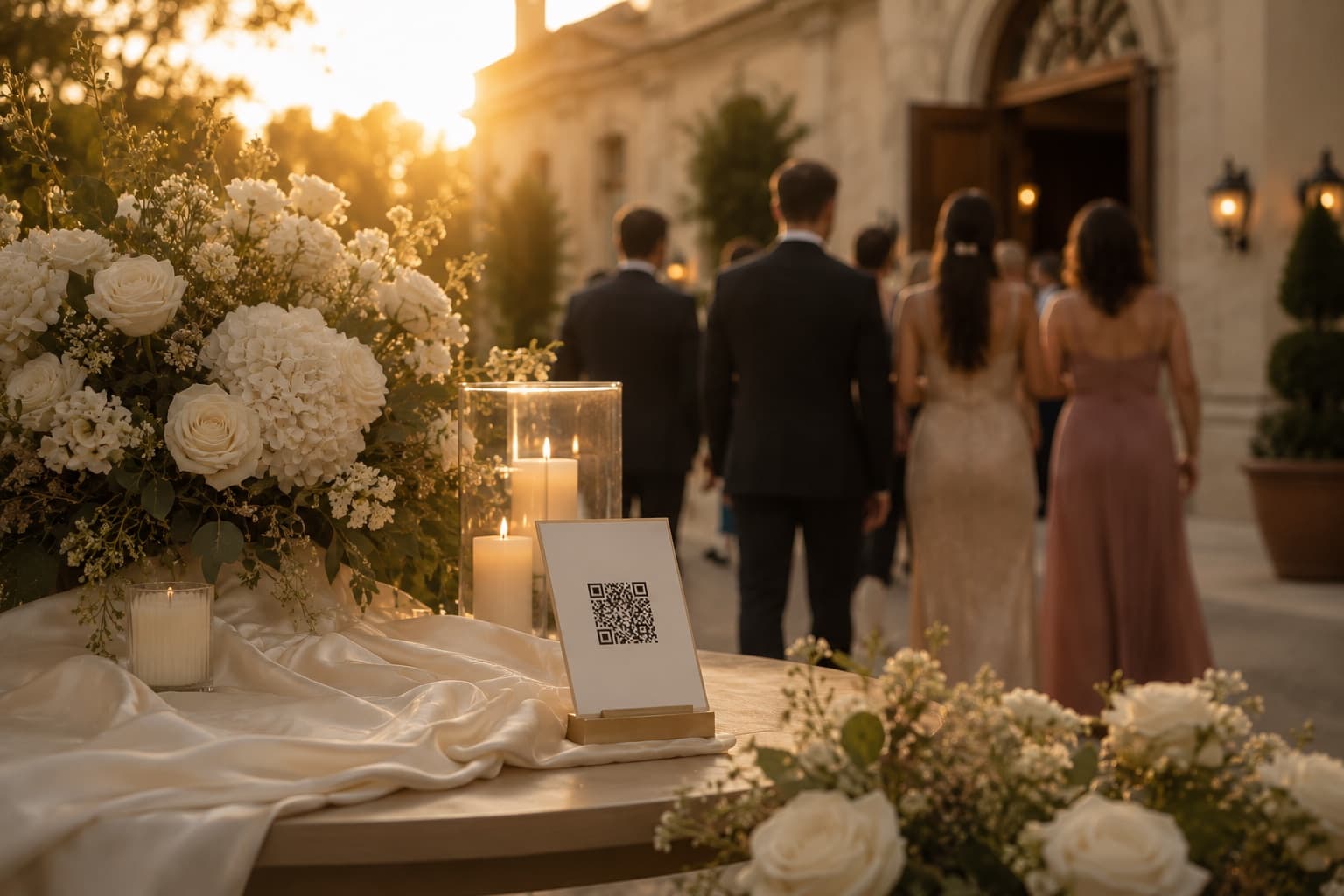
The first thing guests read while they are waiting to be seated.
The one that collects the most: people photograph their own table anyway.
Read at every seat, held at exactly reading distance.
A natural pause where everybody stops and looks for their name.
Phones are already out and both hands are free.
Right where people are taking pictures of themselves anyway.
Guests who see the code early start uploading from the first hour.
The same link, sent to everyone who went home with a camera roll full of your wedding.
Your gallery, your event
Your event is not a public feed and there is no hashtag for strangers to follow. The gallery is reached through your QR code or your link, so the people who can add to it are the people you handed it to.
You run the event from the app: see what arrived, download it, and delete the event and everything in it whenever you decide to.
Questions couples ask
Create an event in the Momentral app and share its QR code or link. Guests open it in their phone browser and upload photos and videos, and everything arrives in one private event gallery you can review and download.
No. The upload page opens in the browser on iPhone, Android or a computer. There is a short sign-in step that keeps the gallery yours, and nothing to install.
Your event generates its own QR code. A guest points their phone camera at it, the upload page opens, they choose photos or videos and send them. The same code works everywhere you print it.
Yes. Photo and video uploads are on every plan, including the free one. How many minutes of video you can collect depends on the plan you choose.
As many as you like. Momentral does not limit guests per event; your plan sets how many photos and how much video you collect, not how many people contribute them.
Yes. Uploads keep the quality they were taken in, and you download them as originals, without the compression a messaging app adds on the way.
Your gallery is not public and is not tied to a hashtag anyone can follow. It is reached through your event QR code or link, so it stays inside the group you shared it with.
Yes. Each guest can record up to 60 seconds in the browser, and you can leave a spoken welcome they hear when they open the upload page. The voice guestbook is on every plan and does not use your photo capacity.
Yes. The invitation, the replies and the gallery are parts of the same Momentral event, so the wedding you invite people to is the wedding whose photos you collect.
Yes. Replies appear as they arrive, with live attending and not-attending counts and a headcount based on the party size each guest reported. Free events accept the first 10 responses; paid plans remove that limit.
Anywhere a phone is already in hand: table cards, the welcome sign, menus, the seating chart, the bar, the photo booth and the invitation itself. Table cards collect the most.
Yes. You choose how long uploading stays open — up to 75 days after the wedding, depending on your plan — so guests can still add photos the next morning. Event content is deleted automatically 90 days after your event date, so download your originals before then.
Create your wedding event, print one QR code, and collect the day from every angle it was seen — with your invitation and your guest list in the same place.
The rest of the Momentral event, one page at a time.
City guides
Local guides for couples marrying in the major cities of Europe and Turkey.
 LondonUnited KingdomLocal guide to collecting photos and videos with a QR code
 ParisFranceLocal guide to collecting photos and videos with a QR code
 IstanbulTurkeyLocal guide to collecting photos and videos with a QR code
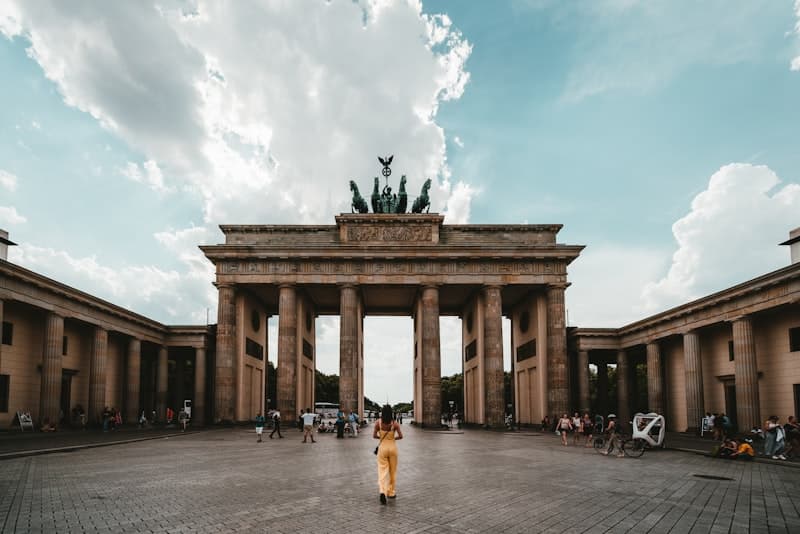 BerlinGermanyLocal guide to collecting photos and videos with a QR code
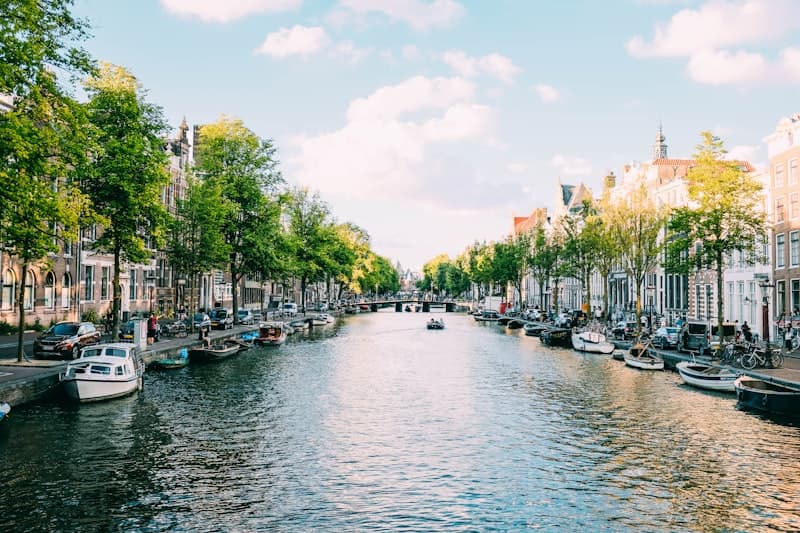 AmsterdamNetherlandsLocal guide to collecting photos and videos with a QR code
 RomeItalyLocal guide to collecting photos and videos with a QR code
 BarcelonaSpainLocal guide to collecting photos and videos with a QR code
 IzmirTurkeyLocal guide to collecting photos and videos with a QR code
 MadridSpainLocal guide to collecting photos and videos with a QR code
 ViennaAustriaLocal guide to collecting photos and videos with a QR code
 PragueCzechiaLocal guide to collecting photos and videos with a QR code
 BudapestHungaryLocal guide to collecting photos and videos with a QR code
 LisbonPortugalLocal guide to collecting photos and videos with a QR code
 AnkaraTurkeyLocal guide to collecting photos and videos with a QR code
 PortoPortugalLocal guide to collecting photos and videos with a QR code
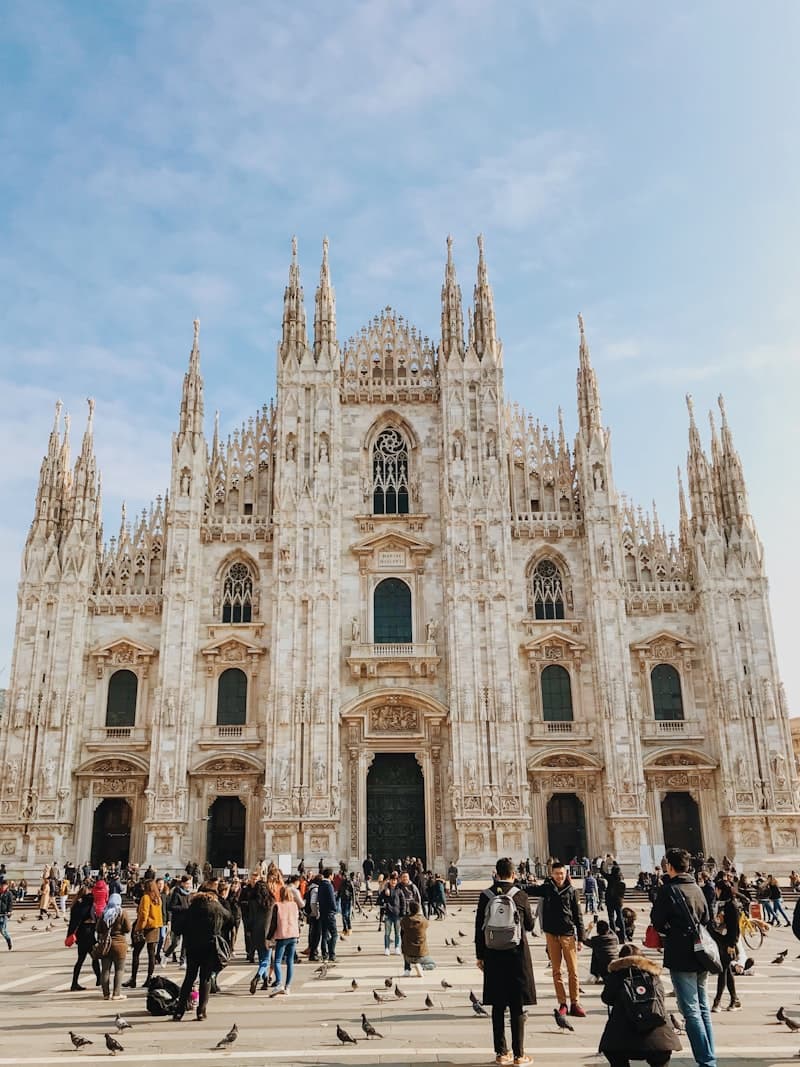 MilanItalyLocal guide to collecting photos and videos with a QR code
 FlorenceItalyLocal guide to collecting photos and videos with a QR code
 VeniceItalyLocal guide to collecting photos and videos with a QR code
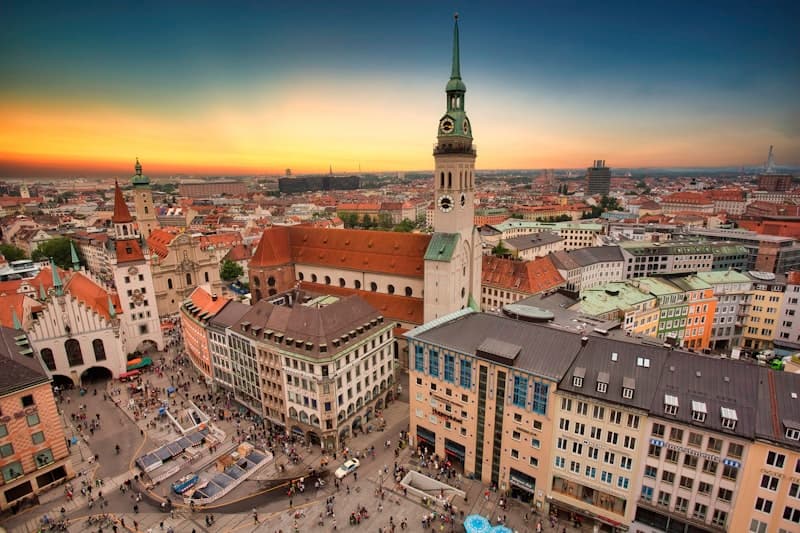 MunichGermanyLocal guide to collecting photos and videos with a QR code
 AntalyaTurkeyLocal guide to collecting photos and videos with a QR code
 HamburgGermanyLocal guide to collecting photos and videos with a QR code
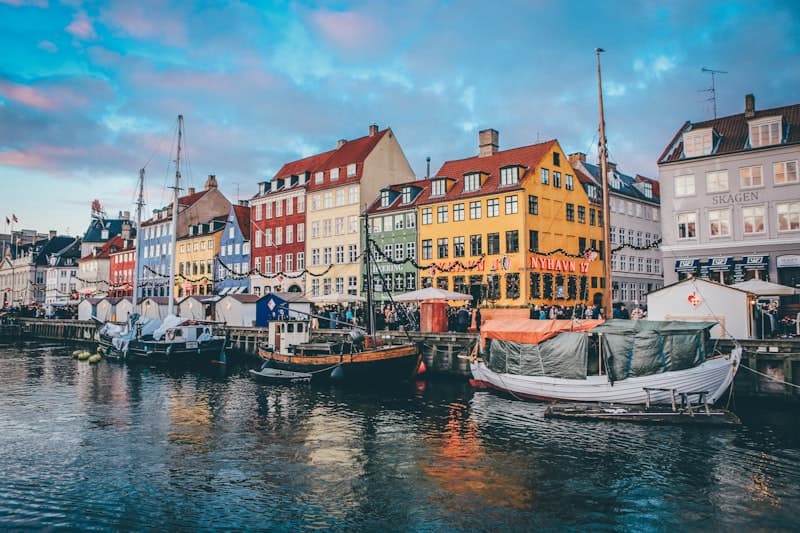 CopenhagenDenmarkLocal guide to collecting photos and videos with a QR code
 StockholmSwedenLocal guide to collecting photos and videos with a QR code
 ZurichSwitzerlandLocal guide to collecting photos and videos with a QR code
 AthensGreeceLocal guide to collecting photos and videos with a QR code