Do guests need an account to upload photos?
Not to view the invitation or RSVP. Uploading to the shared gallery uses a quick browser sign-in that keeps the private event gallery protected.

Wedding photos Paris
French weddings begin with a civil ceremony at the arrondissement town hall, and the reception often sits well outside the city. That leaves a day split across venues, with the guests carrying the parts a photographer cannot be in at once.
The steps outside the town hall are the moment nearly every guest photographs, usually from a better angle than the photographer, who is occupied with the couple and immediate family.
Between that moment and the reception comes a drive during which the party scatters. A QR code puts all of those frames in one place instead of across dozens of phones.
The reception between ceremony and dinner is its own event in France and can run for hours. Guests stay standing, move between groups and photograph each other without any direction at all.
That stretch produces most of the day’s candid material, exactly while the photographer works through family portraits. It all reaches the same private gallery from the browser.
When family travels in, the journey, the hotel and the running order matter more than any decorative detail. The digital invitation gathers them alongside each venue’s Google Maps location.
On the day, that same link leads to the gallery: invitation, guest list and photos belong to one Momentral event rather than two separate tools.
Planning tip
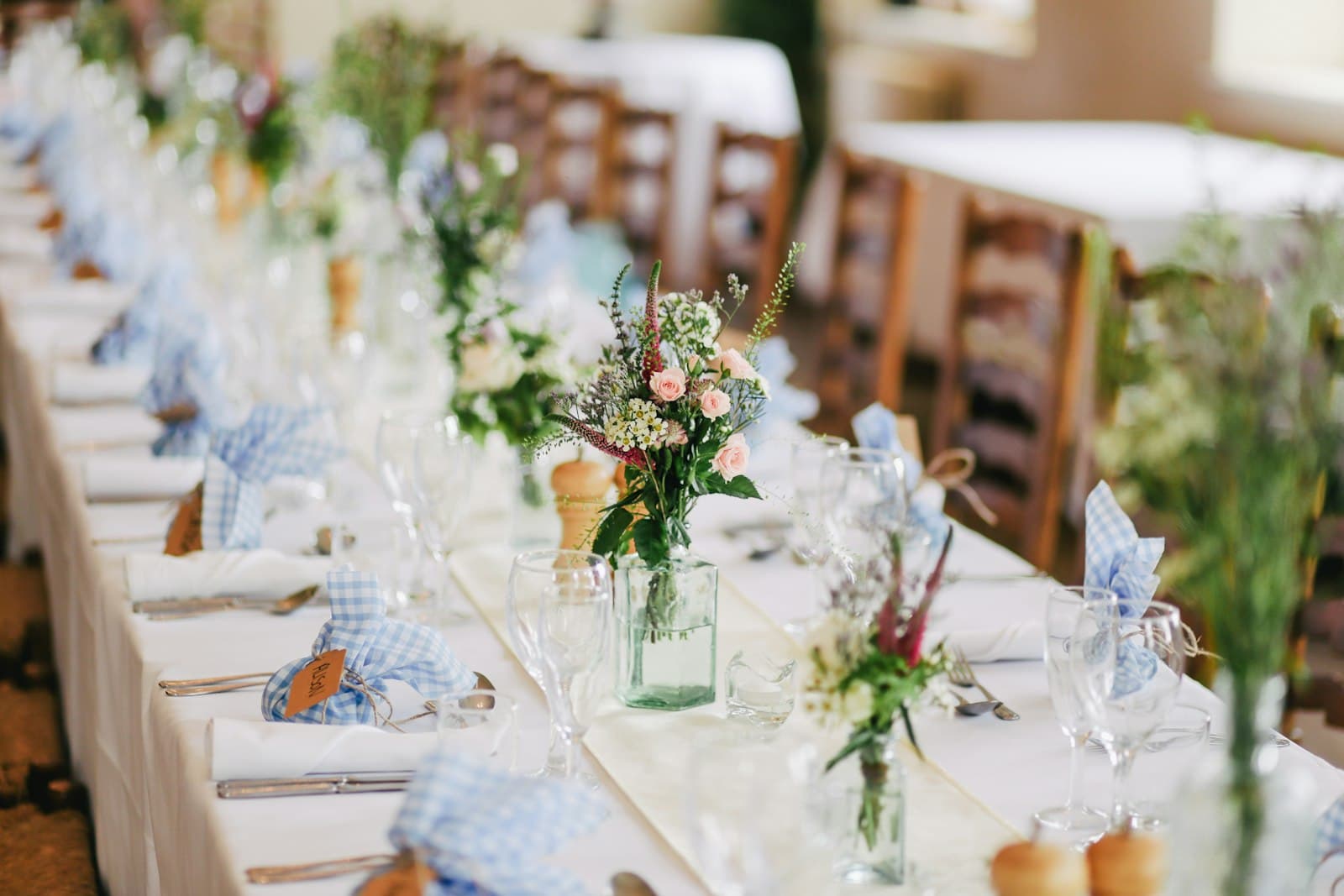
For Paris weddings, use discreet table cards that match the printed invitation suite; guests will scan without the QR code feeling intrusive.
Not to view the invitation or RSVP. Uploading to the shared gallery uses a quick browser sign-in that keeps the private event gallery protected.
Yes. The invitation shows each venue with its Google Maps location, so guests open directions straight from their phone.
Create one Momentral event, share the QR code, and keep your wedding photos and videos organized from the first upload.