Do guests need to install an app to upload?
No. The event opens in the phone browser. Guests scan the QR code or open the link, sign in briefly so the gallery stays private, and upload from there.

Guest photo upload
Every guest at your wedding is carrying a camera, and almost none of those photos reach you. Momentral gives them one scan and a browser page: they pick what they took, it uploads at original quality, and it lands in your private gallery. No app installation; guests sign in briefly in the browser to upload.
More than 350,000 guests have added their memories to a Momentral event straight from the browser on their phone, with no app to download.
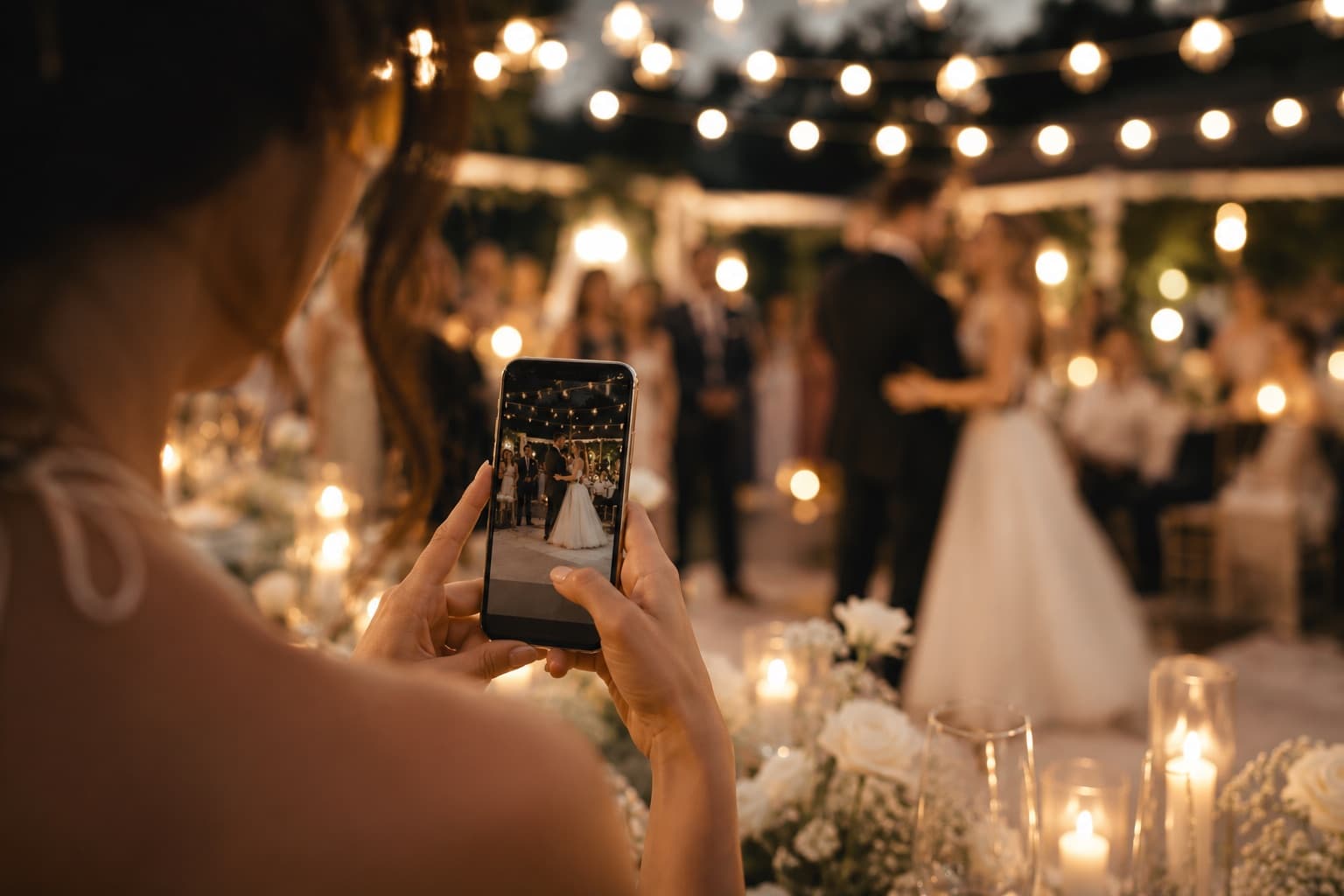
The problem is almost never willingness. A guest says they will send you the pictures, and then they open a chat, see forty photos to pick through, remember the last time an upload failed on a hotel network, and close the app again. A week later the moment has passed and nobody wants to be the one asking twice.
The friction is always the same handful of things: an app to install, an account to create, a link nobody can find any more, or a compression step that turns a good photo into a soft one. Each of them is small on its own, and together they are enough to lose most of the wedding.
Momentral removes them one at a time rather than asking guests to be more diligent. The link lives on a card that is already on their table, it opens in the browser they already have, and it accepts what they already shot.
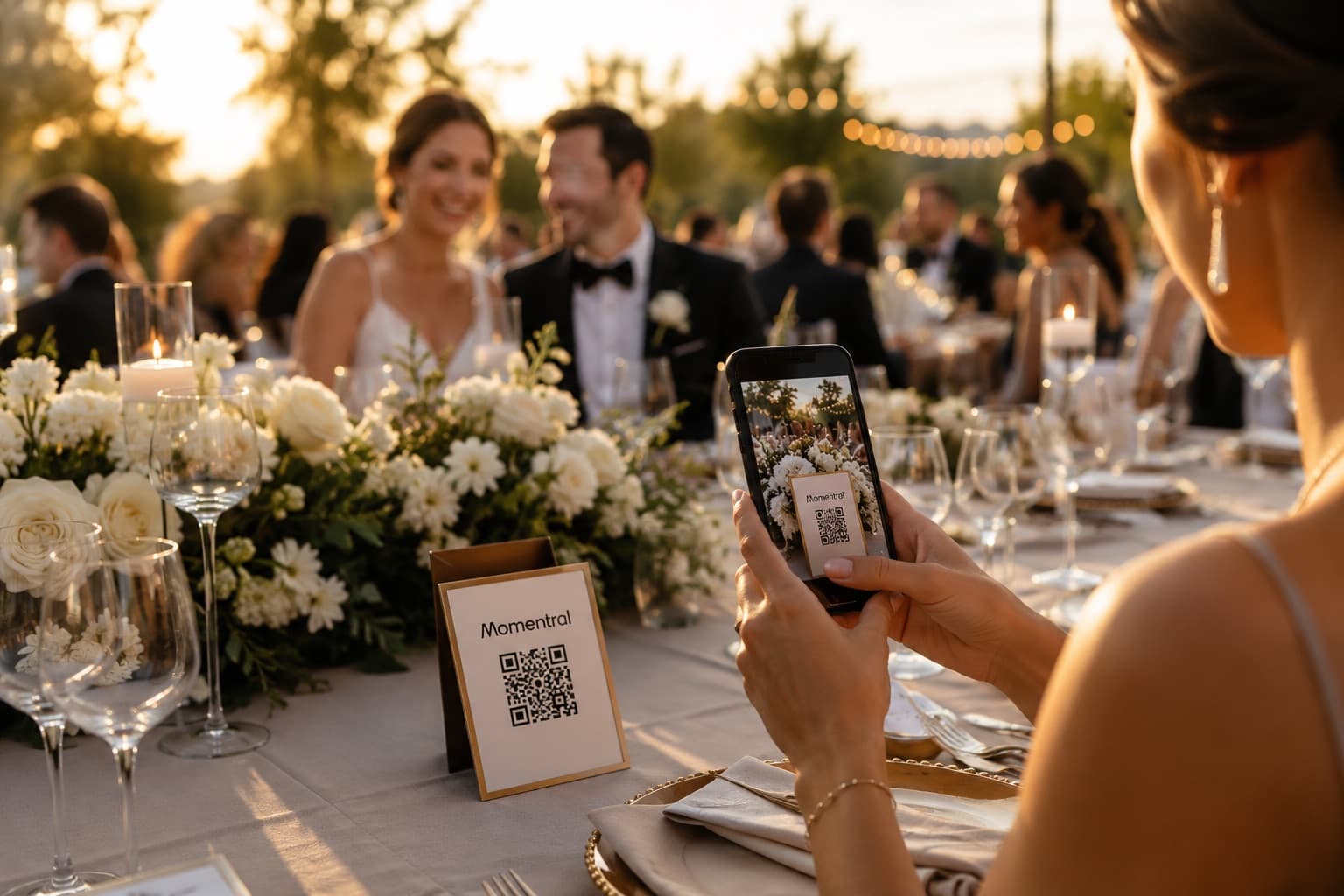
A guest points their camera at the QR code on the table card or the welcome sign. The event opens in their phone browser — Safari, Chrome, Samsung Internet, whichever came with the phone.
They sign in briefly. This is the one step that is not skipped, and it is deliberate: it is what keeps your gallery private rather than open to anyone who photographs the sign. It takes a moment and it is not an app download or a Momentral account with a password to remember.
Then they select photos and videos from their camera roll — as many at once as they like — and the upload runs in the background while they put the phone back down. If they walk out of range mid-upload, they reopen the same link later and continue; the event is still there.
If they want to say something as well, the same page offers a voice message of up to 60 seconds. It is included on every plan and does not use any of your photo capacity.
Because the upload page is a web page, the device barely matters. iPhones and Android phones behave the same way, and the guest who prefers to wait until they are home can open the same link on a laptop and drag files in from a folder.
That last case matters more than it sounds. The relative who took photos on a real camera, and the friend who shot video and wants Wi-Fi before uploading a large file, both end up in the same gallery as everyone who uploaded from the dance floor.
There is no minimum phone, no app-store region problem, and nothing for a guest to update before they can take part.
Large weddings create a specific pattern: nothing for an hour, then a hundred people scanning within a few minutes of an announcement. The number of guests who can join an event is not capped on any plan, including the free one, so a big guest list never needs a second event or a second link.
What each plan does set is how much media the event holds in total. That is a capacity decision you make once, not a per-guest limit anyone has to police on the night.
Because everything arrives through one event, you also see who took part. The gallery shows which guests contributed and how much, which is usually enough to tell whether the tables at the far end ever noticed the QR code.
What a guest uploads is what you download. Files are stored at the resolution they were shot at, so a photo that was worth printing when it left the phone is still worth printing when it reaches you — unlike the same image sent through a group chat.
The gallery itself is private to your event. It has its own link and QR code, it is not published anywhere public, and as the event owner you decide whether guests can see each other’s uploads or only add their own.
Everything in the event — photos, videos and voice messages — is automatically deleted 90 days after the event date, so there is a clear end point rather than an archive nobody manages.
No. The event opens in the phone browser. Guests scan the QR code or open the link, sign in briefly so the gallery stays private, and upload from there.
They do not create an account with a password. Uploading uses a quick browser sign-in, which is what keeps the gallery closed to anyone who happens to photograph your QR code.
Yes. The same link opens on a laptop or desktop, which suits guests who shot on a camera or want Wi-Fi before uploading video.
There is no per-guest limit. Your plan sets how much the event holds in total; guests are never individually capped.
No. Photos and videos are stored and downloaded at their original quality, which is the main difference from collecting them through a group chat.
They reopen the same QR code or link when they have signal again and continue. Uploading stays open for as long as you keep the event open, which you can set to as much as 75 days after the event.
Yes. You decide how long uploading stays open — up to 75 days after the event — so guests who wanted to sort through their photos at home can still add them the next day or the next week.
Yes. The voice guestbook lets each guest record up to 60 seconds in their browser, and the host can leave a spoken welcome. It is included in every plan and does not use your photo capacity.
Keep every photo and video in one place, create the invitation, and manage your guests.
Not two separate tools. One Momentral event.