01
Every angle, one shared gallery.
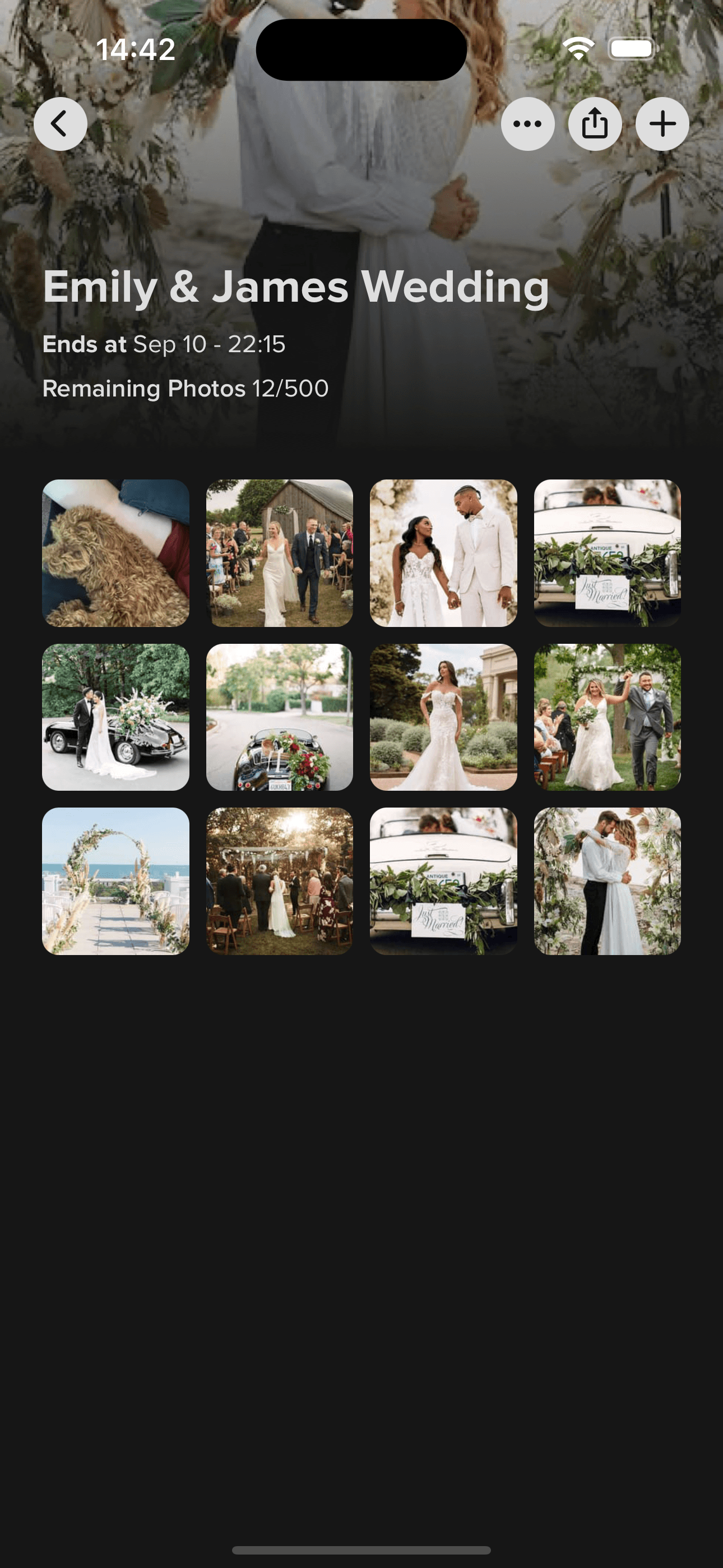
Guests scan the QR code and add original-quality photos, videos and 60-second voice messages from their browser.

Create one Momentral event, send a digital invitation, track who is coming, and collect every photo, video and voice message your guests capture. Guests never install an app.
One event, fully connected
Your event gallery and guest list should not live in separate tools. Momentral connects the full event journey in one place.
Shared GalleryGuests scan the QR code and add original-quality photos, videos and 60-second voice messages from their browser.
Choose a style, share every detail, and manage who is coming, how many they bring and what they need from one screen.
Every step below happens inside the same Momentral event. The invitation and the gallery are not two separate tools.
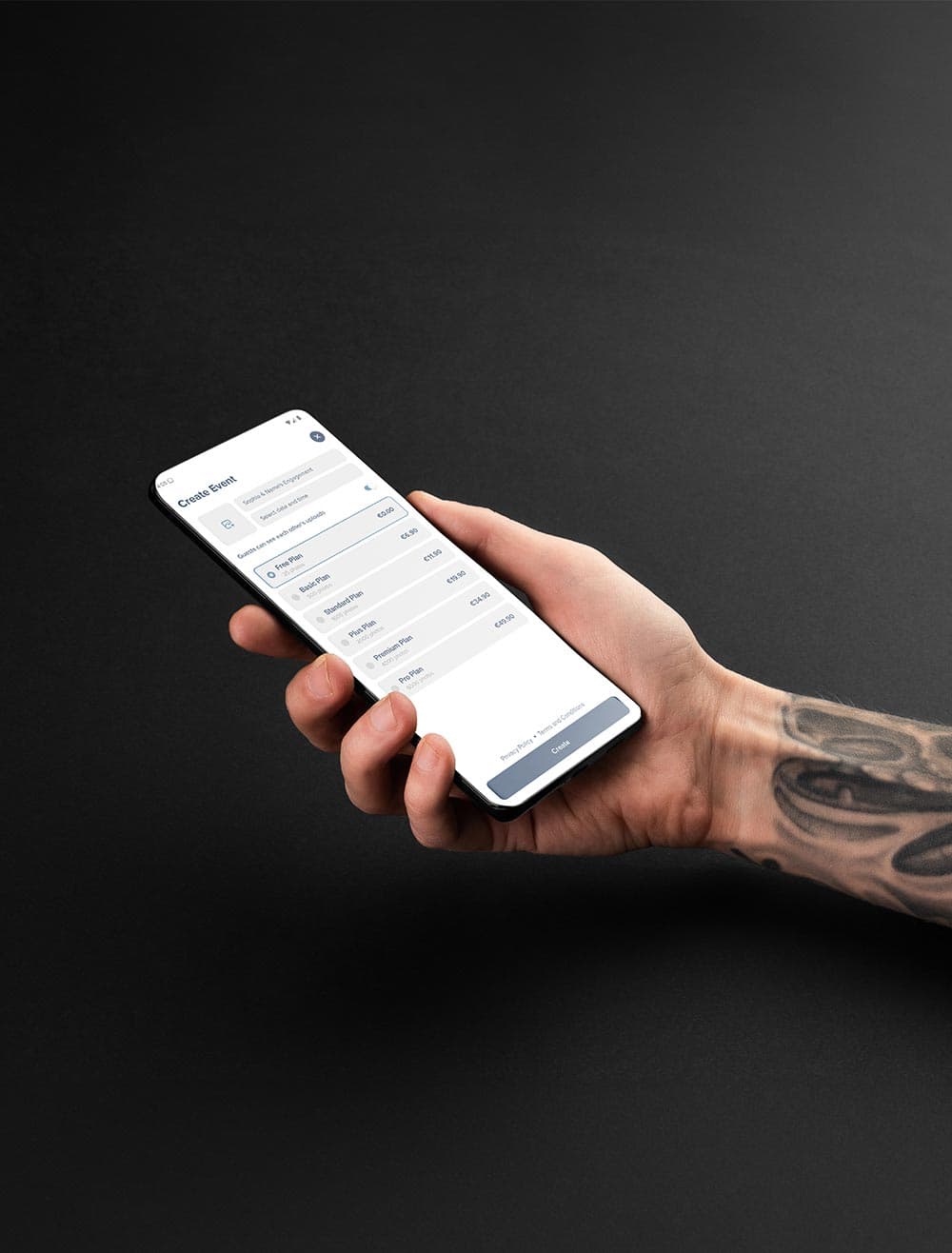
Choose the event name, date and plan in the Momentral app for iOS or Android.
Start from a template and personalise the wording, colours and cover for your celebration.
Add ceremony, dinner and after-party times, the venue with its Google Maps location, plus hotel, transport, parking and dress code notes.
Send one link through WhatsApp, SMS, email or social media. There is no limit on how many people you invite.
Guests answer in their browser without an app or an account. Name and attendance are always asked; you decide what else to ask.
Follow attending and not-attending counts, total headcount, companion names, meal preferences, allergies, shuttle and accommodation answers, and your own custom questions.
Guests scan the event QR code or open the same event link from their phone browser.
Uploads keep their original quality, and every guest can leave one voice message of up to 60 seconds. Still no app to install.
Filter the gallery by photos, videos or voice notes, and download everything in original quality.
Guests open your invitation in a browser, answer the RSVP form, and on the event day add their photos, videos and voice message from the same event link. No download, no account for the invitation.
Set the event name, date and plan in the Momentral app. This one event holds your digital invitation, your guest list and your shared gallery.
Pick a template, then add your schedule, venue and Google Maps location along with hotel, transport, parking and dress code details. Guests open it in a browser.
Send one link by WhatsApp, message or email. Guests reply attending or not attending, add their party size and companions, and answer the questions you chose. Counts update live.
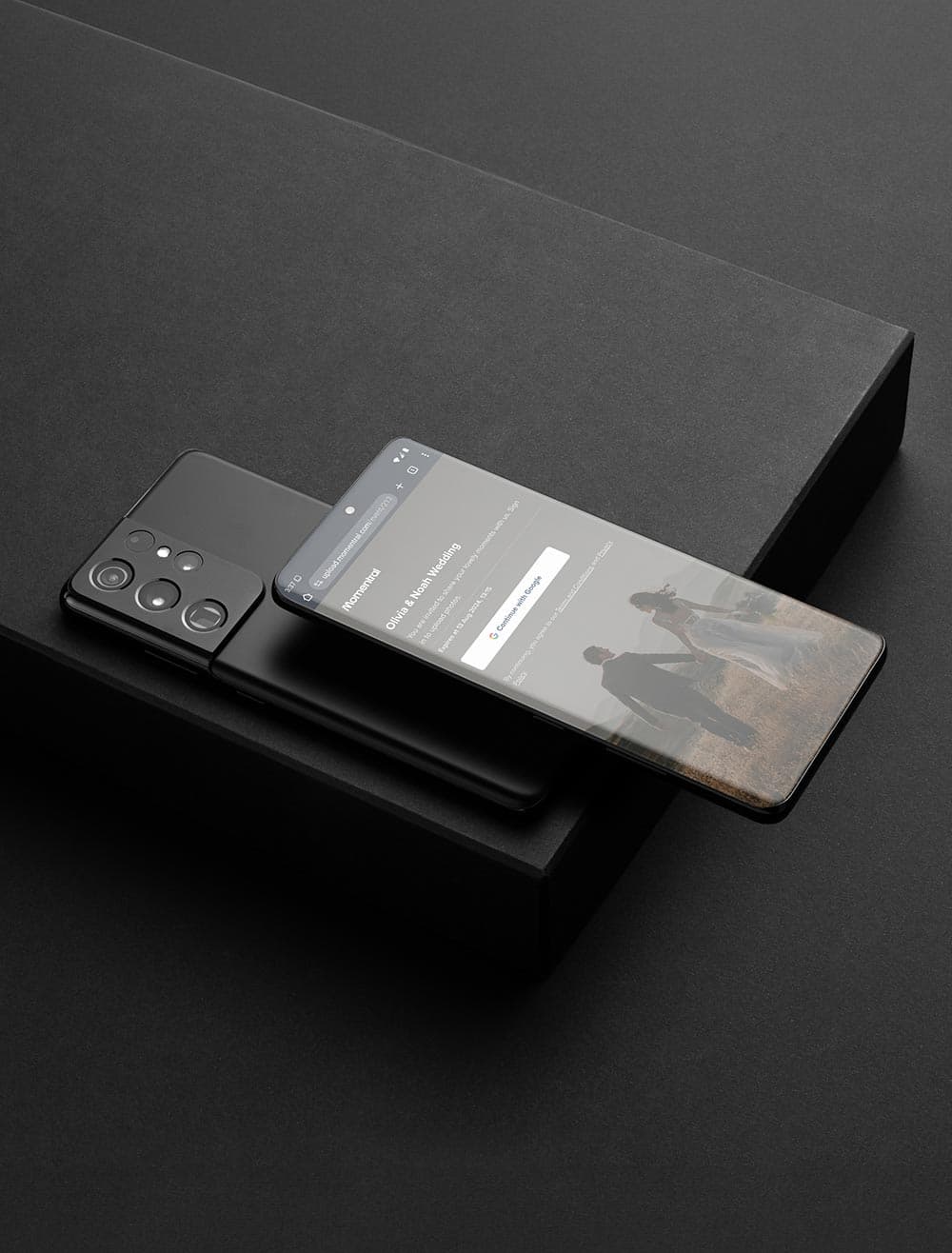
On the event day guests scan the QR code or open the same link, add photos and videos in original quality, and record a voice message of up to 60 seconds.
Momentral works best when the QR code is easy to notice during the event.