01
Create your wedding event
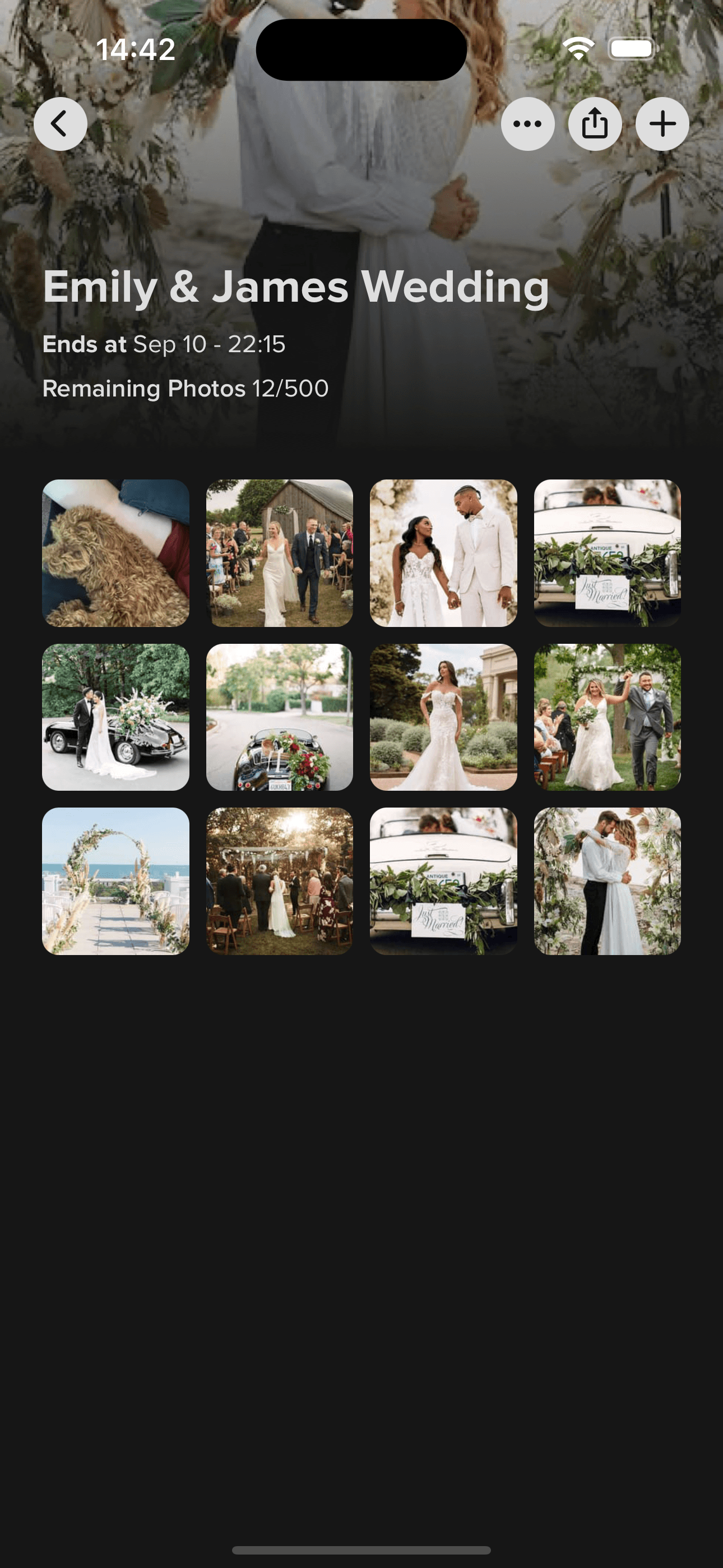
Open Momentral on iOS or Android and set up your event. Use the free plan to check the experience before the day.

Wedding photos, from every table
Put your wedding photo QR code on table cards and invitations. Guests scan it, sign in and upload photos and videos from their browser, with no app to install. Their memories come together in one private gallery, ready for you to download in original quality.
The free plan includes 25 photos and 3 minutes of video in total per event. You set up the event in the app. Guests sign in and upload from their browser, with no app to install.
No guest app to download
Guest photos and video clips
Download the original files
From place cards to your gallery
Open Momentral on iOS or Android and set up your event. Use the free plan to check the experience before the day.
Print your event QR code on table cards, menus or a welcome sign. One code works throughout your event.
A scan opens the gallery link in their phone browser. After a short sign-in, guests choose photos and videos and upload them, with no app to install.
Browse the moments in one gallery and download the originals before your event’s storage period ends.
Skip the “send me that photo” messages
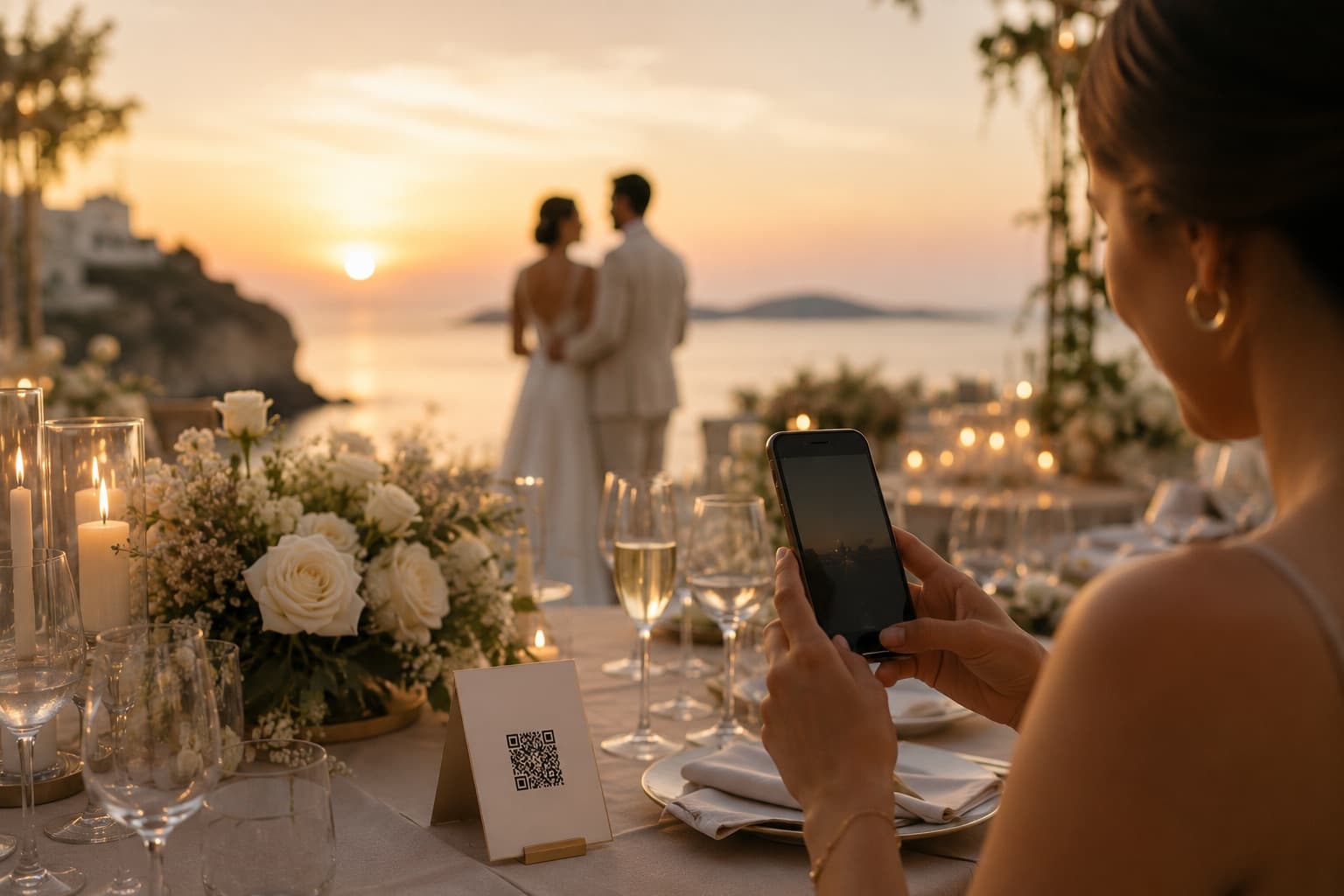
Some of your favourite wedding memories happen while you’re in another part of the room. Give those pictures somewhere to go, rather than leaving them in camera rolls and group chats.
Every plan includes the event QR code, unlimited guests and original downloads. Try a few uploads first, then choose the space you need for photos and video.
Take a look first
€0
For the wedding day
€29.90/ event
More guest moments
€39.90/ event
Our largest capacity
€59.90/ event
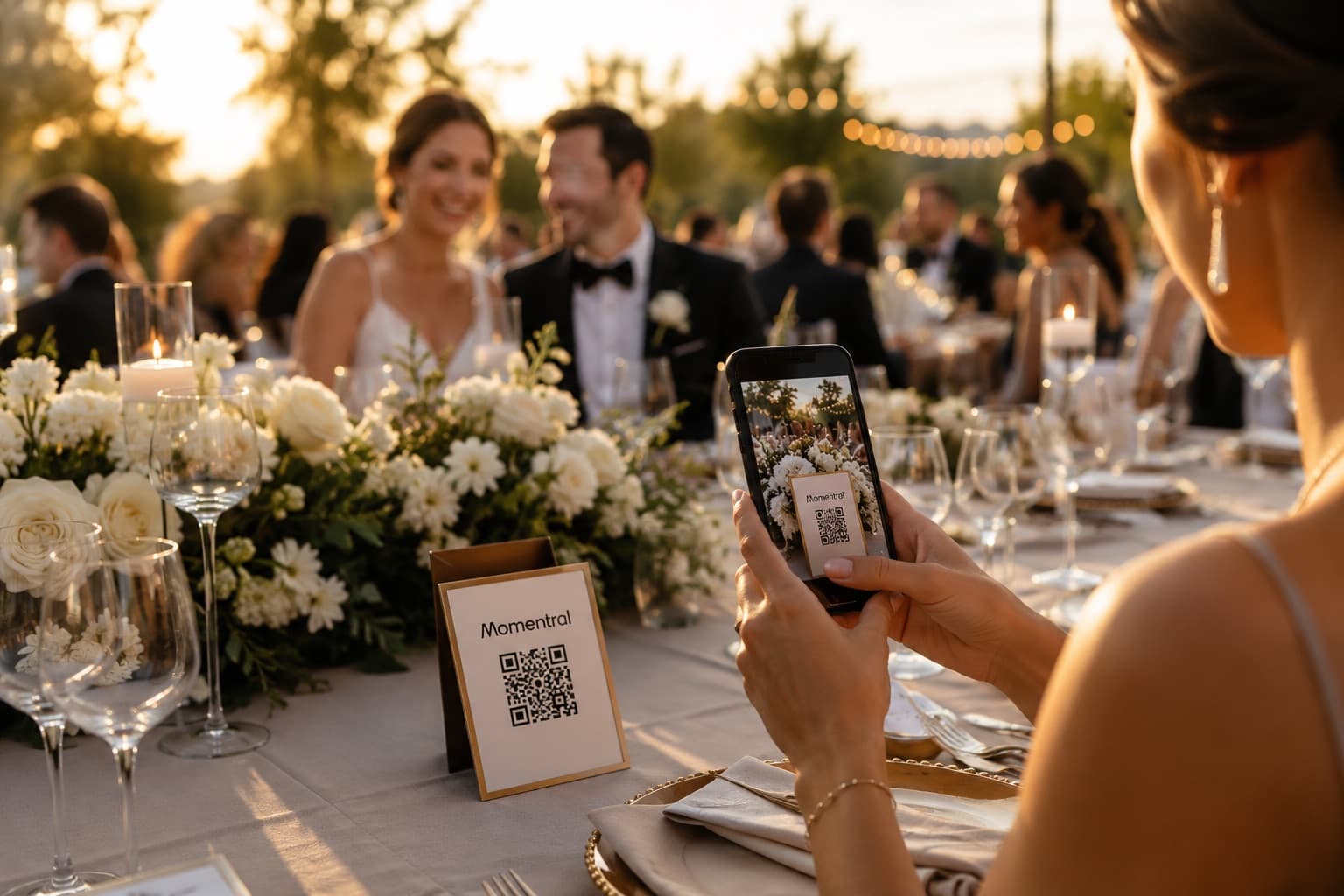
A small card on each table gives guests a chance to scan when they’re settled. Send the actual gallery link in your group chat so nobody has to scan a code on their own phone.
Guests can leave a voice message of up to 60 seconds from their browser. The voice guestbook comes with every plan and doesn’t use your photo allowance.
Meet the voice guestbookEvery plan includes the full digital invitation and RSVP flow. Free accepts up to 10 submitted RSVP responses; paid plans have unlimited RSVP responses.
Explore digital invitationsPlanning your wedding photo QR code
A useful wedding QR code opens a place to upload, rather than just a folder of pictures to look at. Momentral links the code to your event gallery, so the photos guests take can reach you directly.
Use your event code at the welcome drinks, reception tables and evening party. If you’re collecting memories from a wedding weekend, share the same event link with guests before they travel.
Table cameras invite spontaneous pictures, but collecting the film is another job. A QR card keeps that invitation to join in and lets guests contribute video as well as photos.
Place the code where people spend time: dinner tables, the bar or the photo booth. Add a plain instruction such as “Share your photos with us”. A welcome sign can introduce the idea, while the table cards keep it within reach.
Ask the person introducing the speeches to mention the gallery briefly. A second reminder before the dancing helps guests who joined later. There is no need to turn the reception into a tutorial.
The QR code suits print; the gallery link suits a message. Include it when you thank guests the next day, while the pictures are still easy to find on their phones.
Create a Momentral event and use the generated upload link or QR code. Share it on signs, invitations, table cards, or your wedding website.
A scan opens the gallery link in their phone browser. After a short sign-in, guests choose photos and videos and upload them, with no app to install.
Yes. Momentral supports unlimited guest participation for each event.
A hashtag is public and depends on social posting. A QR code creates a direct private upload flow into your own wedding gallery.
On the dinner tables above all, plus the seating plan, the bar and the photo corner. A single sign at the entrance is seen once, while guests are carrying coats.
No. One code covers the whole event, so you can print the same one on every card, sign and menu. Guests who scan it at different points all reach the same gallery.
Both, for different places. The code suits anything printed or on a screen; the link suits the group chat, the invitation and a follow-up message after the day.
Once before dinner and once before the dancing. The second mention is what reaches the guests who only came for the evening and never saw the afternoon signs.
Yes. The voice guestbook lets each guest record up to 60 seconds in their browser, and the host can leave a spoken welcome. It is included in every plan and does not use your photo capacity.
Yes. Create your event with the free plan, which includes 25 photos and 3 minutes of video. Scan the code from a second phone and try an upload before sending the cards to print.
The person setting up and managing the wedding uses the iOS or Android app. Guests follow the QR code or link and upload through their phone browser.
You choose the upload window, up to 75 days after the event. Event content is automatically deleted 90 days after the event date, so download your photos, videos and voice messages before then.
Set up a trial gallery, try a scan and see how a guest’s photo reaches you. Your wedding QR code starts with one event.
The free plan includes 25 photos and 3 minutes of video in total per event. You set up the event in the app. Guests sign in and upload from their browser, with no app to install.
Event content is deleted 90 days after the event date. Download your memories before that deadline.